Header
Provide structure to help users find their way around the service.
Props
heading
string
Set the service name to display in the app header.
maxContentWidth
string
Maximum width of the content area.
secondaryText
string
Secondary text displayed under the service name.
testId
string
Sets a data-testid attribute for automated testing.
url
string
Set the URL to link from the alberta.ca logo. A full url is required.
ReactNode
banner
ReactNode
Banner content displayed above the header.
navigation
ReactNode
Links and app header menus appear in the navigation bar below the header. Use plain links for single items and app header menu for grouped items with a dropdown.
phase
ReactNode
Phase badge content displayed beside the service name.
utilities
ReactNode
Actions like user account menus appear on the right side of the header. Use menu button for dropdowns with actions.
App Header Menu Props
heading
string
The menu heading text displayed as the dropdown trigger.
leadingIcon
GoabIconType
Icon displayed before the heading text.
testId
string
Sets a data-testid attribute for automated testing.
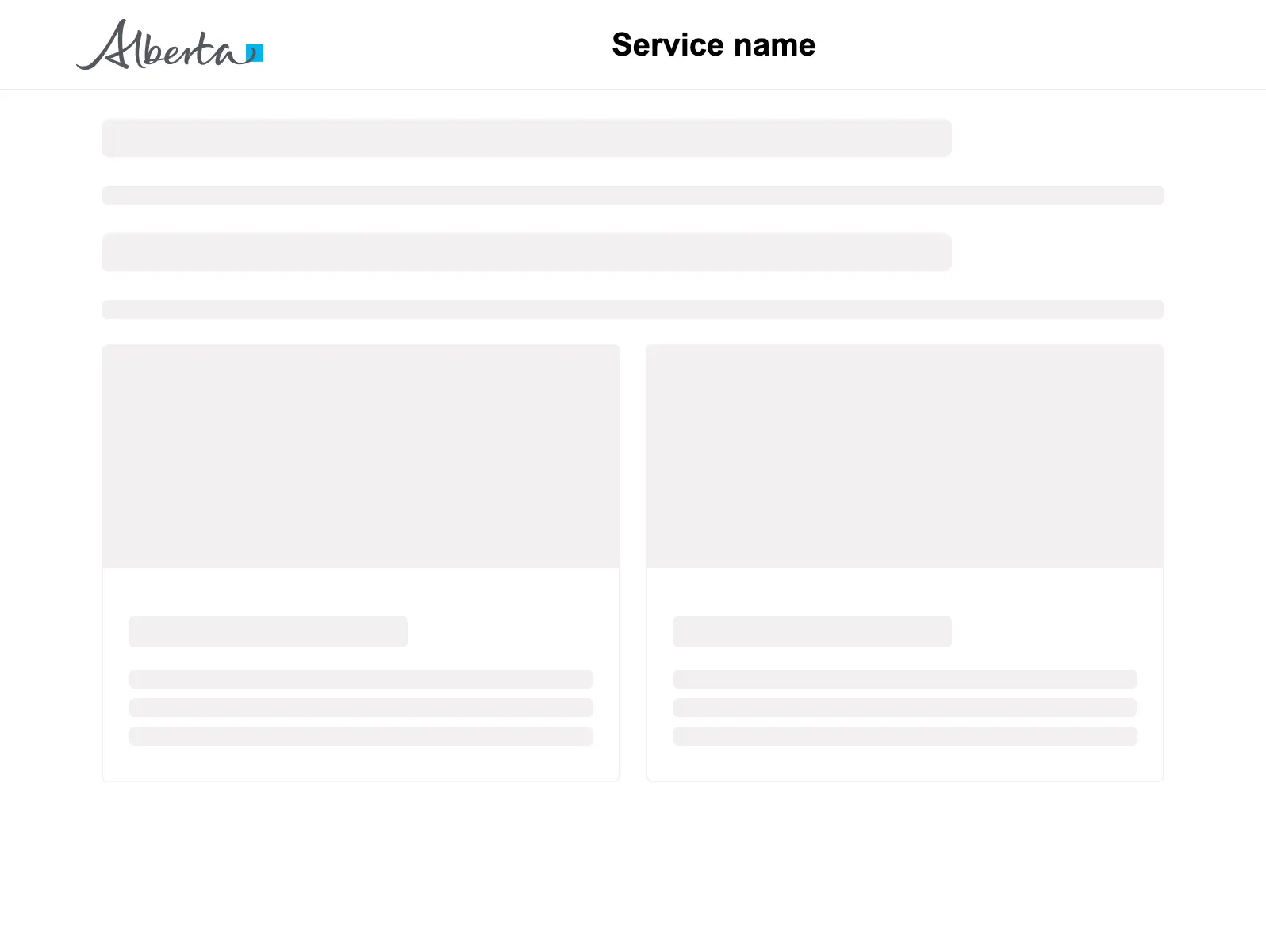
Header with navigation
Positioning
Tip
Use consistent maxContentWidth with your page layout so the header aligns with the content below it.
Content
Warning
Always provide a heading prop on AppHeader to identify your service. Without it, users won't know which service they're using.
Other
Main content goes here
Do
Use the one column layout to ensure consistent page structure, proper header/footer placement, and responsive behavior.